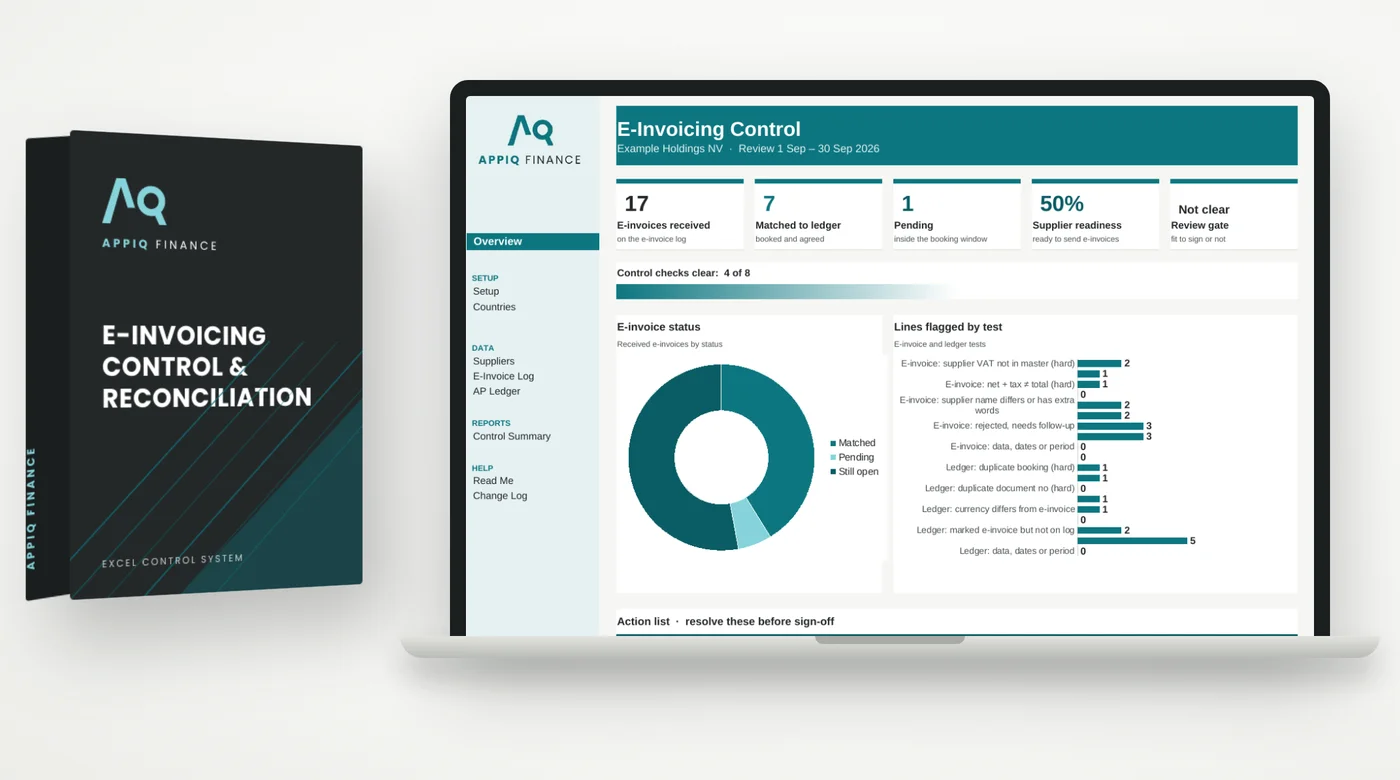
An e-invoice error is still an error. Now it is on record.
Wrong VAT numbers, totals that don't add up and e-invoices that never reach the ledger, or reach it twice, cause rework and tax queries. As e-invoicing is phased in country by country, supplier master data that isn't ready causes rejections.
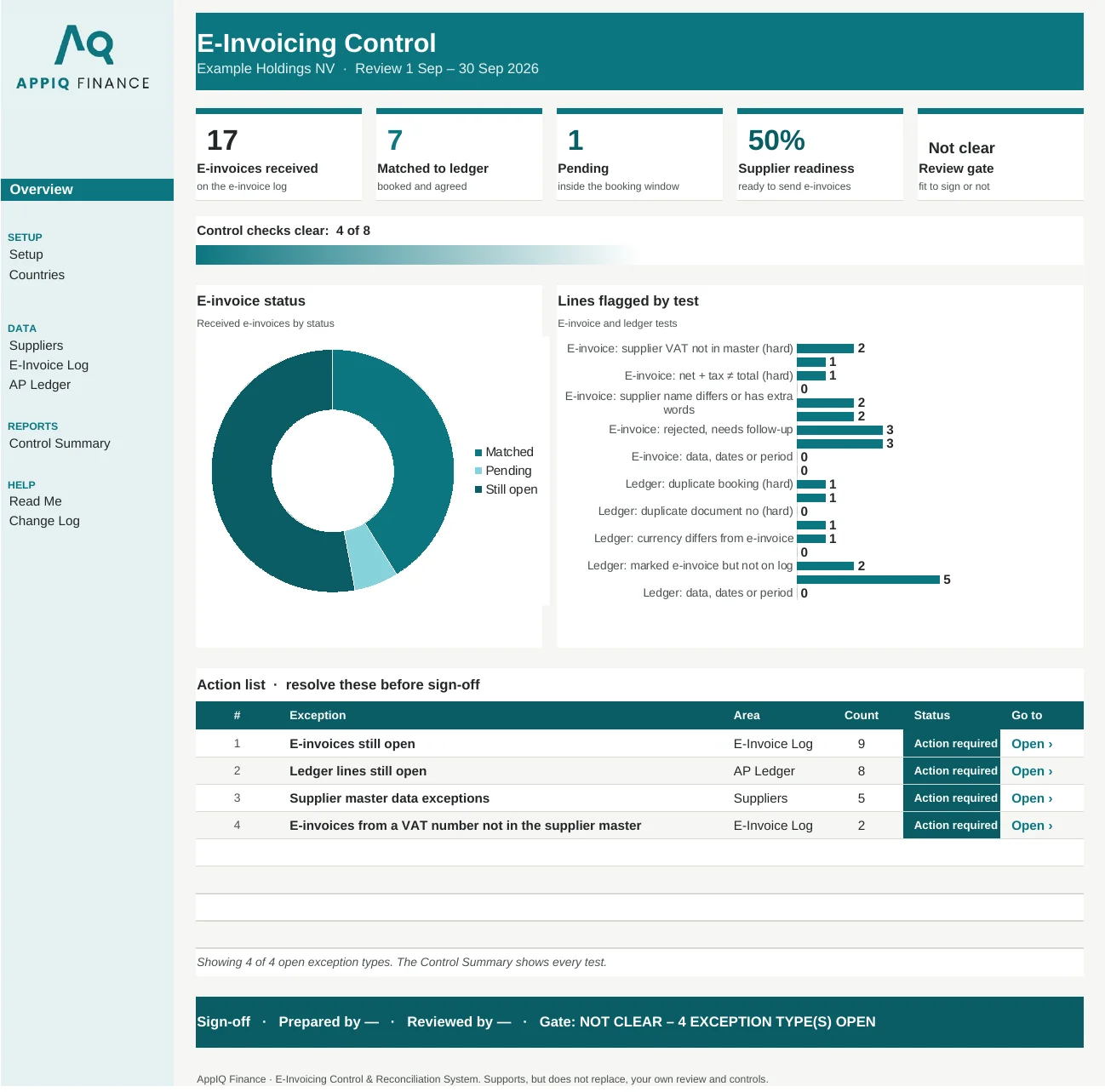
Headline figures, charts and an action list of what to fix first, then the tabs where the work happens. Shown here with the worked example that comes with your download.

Real screenshot of the Overview tab. Every figure is calculated by the workbook.
This system matches every e-invoice received on your platform to your accounts payable ledger by supplier VAT number and invoice number, checks supplier master data against the country dates you record, and holds the review as Not clear until every exception is resolved.
Replaces matching the platform's e-invoice report to the ledger by hand and the supplier readiness list kept in an email thread.
Built for accounts payable teams and finance managers handling e-invoices. Also included in The Controller's Vault and the Firm Licence.
300 suppliers, 1,000 e-invoices and 1,000 ledger lines per review. Use one workbook per period.
You record each country's VAT number format and e-invoicing dates on the Countries tab, and must confirm them with your tax authority. The VAT number check is a basic format check and does not prove a number is live.
Every system is built as a standard Excel (.xlsx) workbook using formulas only — no macros, no add-ins, nothing to install. Because there are no macros, the files also open in Google Sheets and LibreOffice.
Checkout is processed by Paddle. Within a few minutes of payment clearing, your download links are emailed automatically from info@appiqfinance.com. You get the blank master workbook and a fully worked example.
Report it within 14 days with the file, tab and cell, and we fix it and redeliver — or refund you in full if we can't. See the refund policy for the exact terms.
Run the free check on your own numbers today. If it finds gaps, this system closes them every period.
Paste your invoice list and see likely duplicates in minutes. Free Excel file: enter your work email to download it.
Use the free toolThe first place a duplicate payment gets caught is the bank statement.
View system →The fraudulent email will look exactly like your real supplier.
View system →The supplier's statement and your ledger never match, and the gap gets written off as "timing."
View system →