The first place a duplicate payment gets caught is the bank statement.
Same invoice, different reference. Same supplier, a slightly different amount. A bank account changed the week before a payment run, with nobody checking who changed it. Manual invoice review catches the obvious cases and misses the rest — and the rest is where the loss sits.
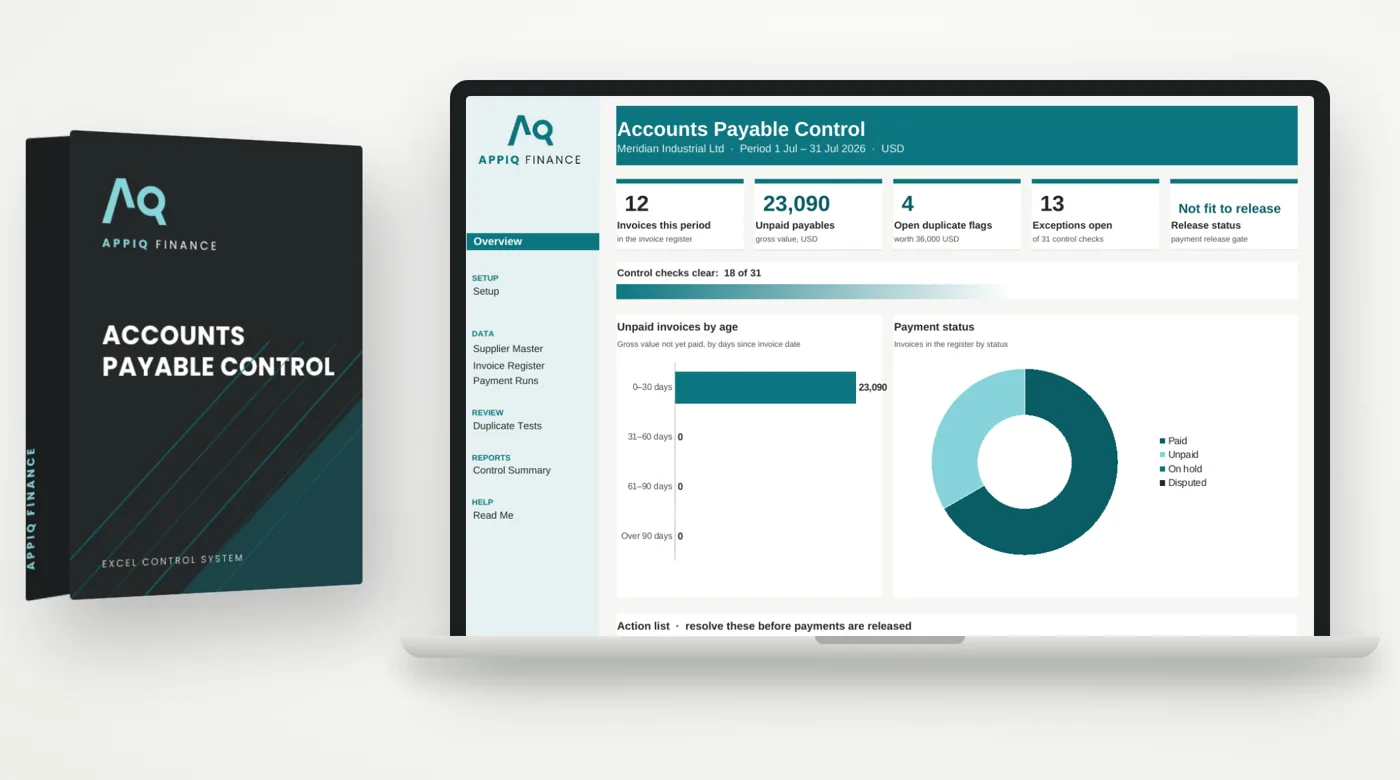
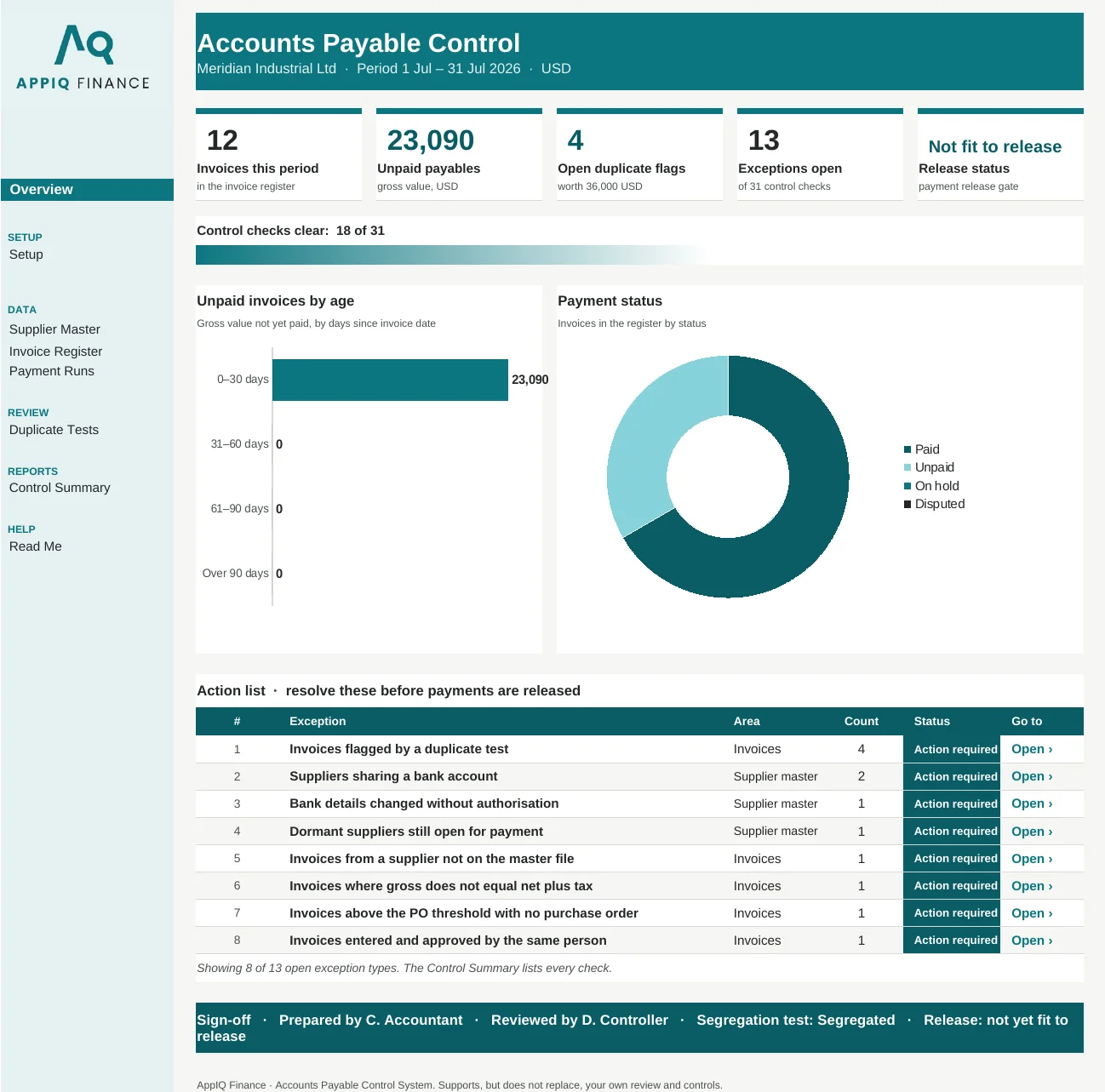
Headline figures, charts and an action list of what to fix first, then the tabs where the work happens. Shown here with the worked example that comes with your download.

Real screenshot of the Overview tab. Every figure is calculated by the workbook.
This accounts payable control system runs four separate duplicate invoice detection tests, a set of supplier master fraud checks, and a three-way match against purchase order and goods receipt — on every invoice, every run, without anyone remembering to look. A payment run cannot be released while exceptions are open.
Replaces manual invoice review, the ad-hoc duplicate payment check and the supplier master spreadsheet nobody audits.
Built for accounts payable managers, AP controllers, financial controllers and anyone who signs off a payment run.
The workbook ships sized for 150 suppliers and 300 invoices per period, and every test is formula-driven across that range. It is built for a departmental AP run, not for a full ERP data dump.
Every system is built as a standard Excel (.xlsx) workbook using formulas only — no macros, no add-ins, nothing to install. Because there are no macros, the files also open in Google Sheets and LibreOffice.
Checkout is processed by Paddle. Within a few minutes of payment clearing, your download links are emailed automatically from info@appiqfinance.com. You get the blank master workbook and a fully worked example.
Report it within 14 days with the file, tab and cell, and we fix it and redeliver — or refund you in full if we can't. See the refund policy for the exact terms.
Practical guides on the problem this system solves. Free to read, no sign-up.
Find duplicate invoice numbers in Excel in three steps: COUNTIFS for exact repeats, a normalised key for near-matches, a date window for re-bills. Free checker.
Read the guide →What to check before releasing a supplier payment run: totals, duplicates, bank changes, new suppliers, unusual payments and the bank file itself.
Read the guide →A step-by-step accounts payable month-end checklist: cut-off, goods received not invoiced, supplier statements, debit balances and the ledger tie-out.
Read the guide →How to design an invoice approval workflow: an approval matrix by amount, PO and non-PO routes, and the tests that catch split invoices and self-approval.
Read the guide →Clean up your vendor master: block dormant suppliers, merge duplicates, fill missing data, verify bank details and restrict who can change records.
Read the guide →Twelve practical payment fraud controls for finance teams, covering supplier set-up, bank changes, approvals and the payment run, and the fraud each one stops.
Read the guide →Run the free check on your own numbers today. If it finds gaps, this system closes them every period.
Paste or upload your invoice list and see likely duplicates in seconds. Runs in the browser; nothing is uploaded.
Use the free toolPaste your invoice list and see likely duplicates in minutes. Free Excel file: enter your work email to download it.
Use the free toolCheck whether a supplier email comes from the real domain. Free to use online.
Use the free toolClose finishes when the file gets sent, not when the numbers are proven right.
View system →Your cash is sitting in a customer's bank account, and nobody can say for how many days.
View system →You find out you're short on cash the same week you're short on cash.
View system →